6 Best AI Transcription Tools for Meetings in 2026
- October 23, 2026
- 0
6 Best AI Transcription Tools for Meetings in 2026 The best AI transcription tools for meetings 2026 has to offer do more than turn speech into text: they

6 Best AI Transcription Tools for Meetings in 2026 The best AI transcription tools for meetings 2026 has to offer do more than turn speech into text: they
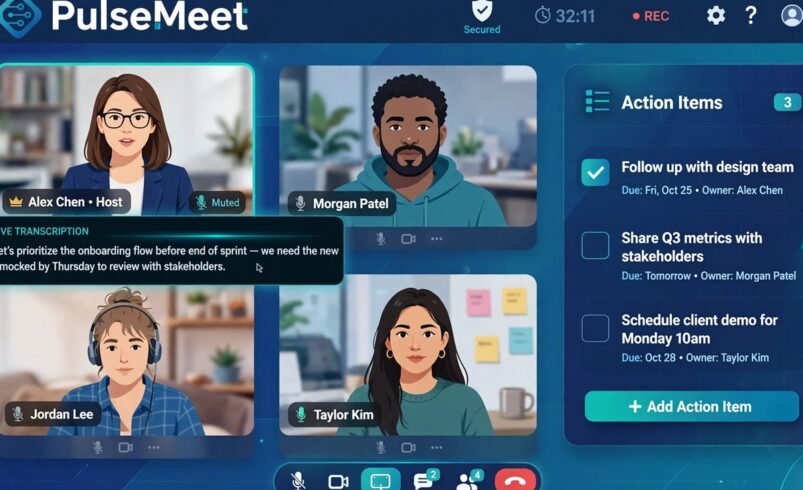
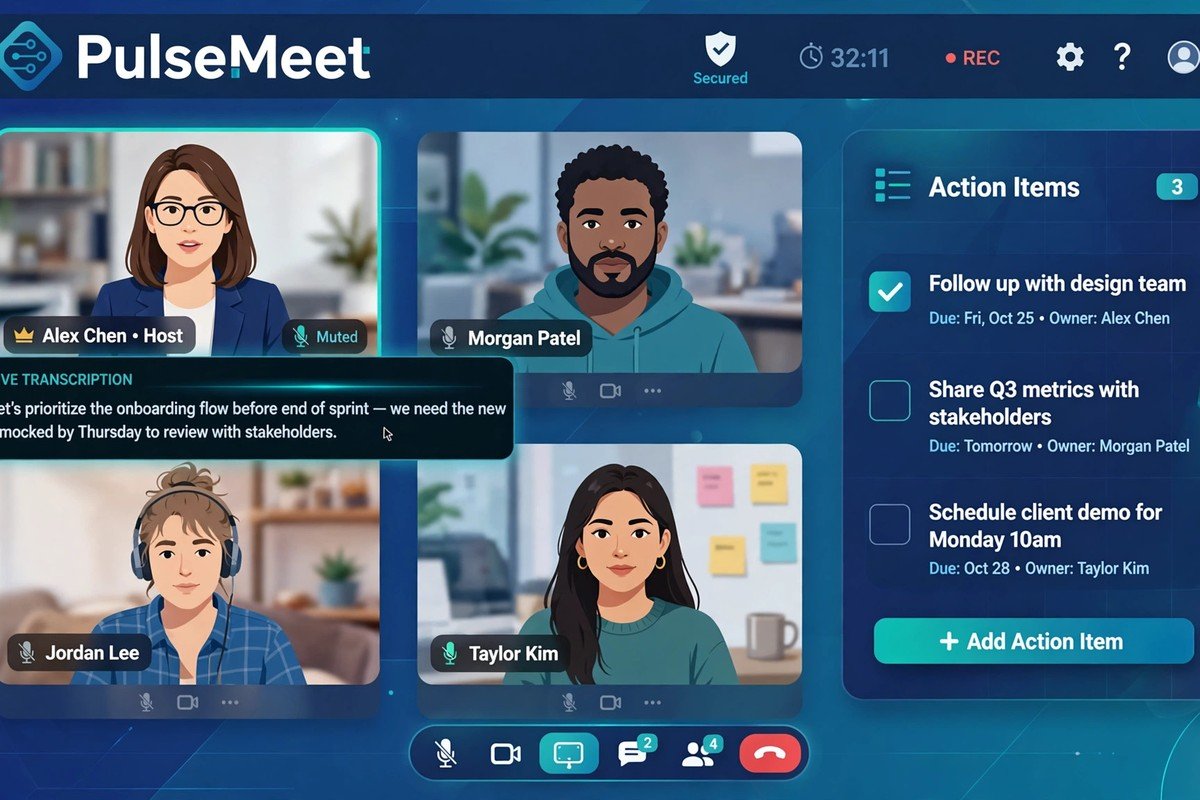
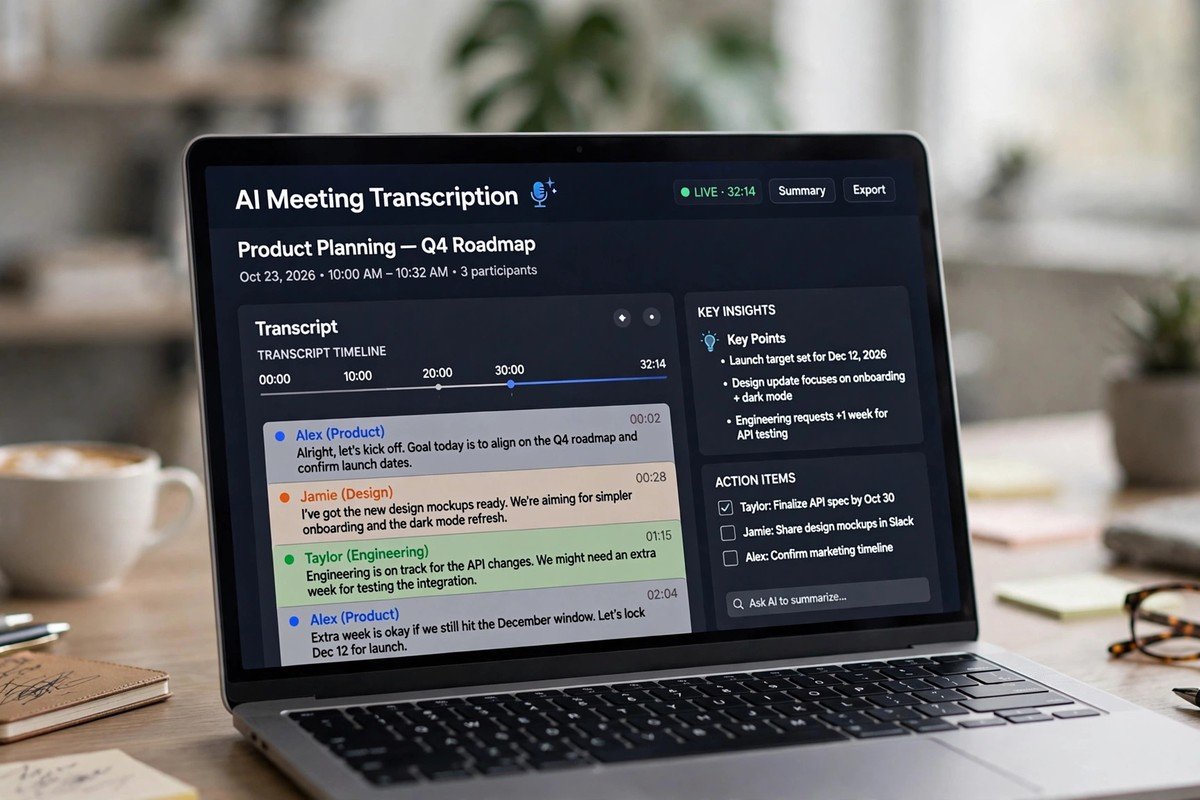
The best AI transcription tools for meetings 2026 has to offer do more than turn speech into text: they join your calls, tell speakers apart, pull out action items and feed summaries into the tools your team already uses. Prices have compressed, free plans have shrunk, and a new split has emerged between bot-based tools that join as a participant and bot-free ones that record without announcing themselves. Here are the six worth your shortlist, picked for meetings work specifically.
| Tool | Best for | Starting price | Free tier | Standout feature |
|---|---|---|---|---|
| Otter.ai | Team meetings and standups | ~$10/user/month | Yes (limited minutes) | Live transcription and searchable workspace |
| Fireflies.ai | Sales and recruiter calls | ~$10/user/month | Yes (limited) | Conversation intelligence and CRM sync |
| Fathom | Zoom and Meet power users | Free tier generous | Yes | Free core features, instant summaries |
| Notta | Multilingual teams | ~$9/user/month | Yes (limited) | 50+ language support |
| Descript | Interviews and content repurposing | ~$12/user/month | Edit audio by editing text | |
| Granola | Bot-free note-taking | ~$10/user/month | Yes (limited) | No meeting bot; notes blend with your own |
Prices are indicative of 2026 list pricing and change often; treat vendor accuracy claims with healthy scepticism.
Otter remains the default for recurring team meetings: live transcription you can watch as people talk, solid speaker separation, and a searchable workspace of past meetings. Its integrations push summaries into Slack and project tools. Accuracy is good on clear audio and weaker on heavy accents and crosstalk, like every tool here.
Fireflies leans into conversation intelligence: talk-time ratios, sentiment tracking and CRM syncing that matter to sales and recruiting teams. If your meetings are revenue conversations, this is the specialist pick. See our roundup of AI marketing tools for small business for the wider revenue stack.
Fathom’s free tier is the most generous of the mainstream tools, covering core recording and summaries on Zoom, Meet and Teams. It is the obvious starting point if you want to try AI notes without committing budget.
With 50+ supported languages, Notta is the choice for teams that meet across languages. Transcription quality varies by language, so test with your actual meeting audio before committing.
Descript is different: it is an audio editor where you edit the transcript and the audio follows. For user interviews, podcasts and research calls that get repurposed into content, nothing else works this way. Overkill for standups, perfect for creators.
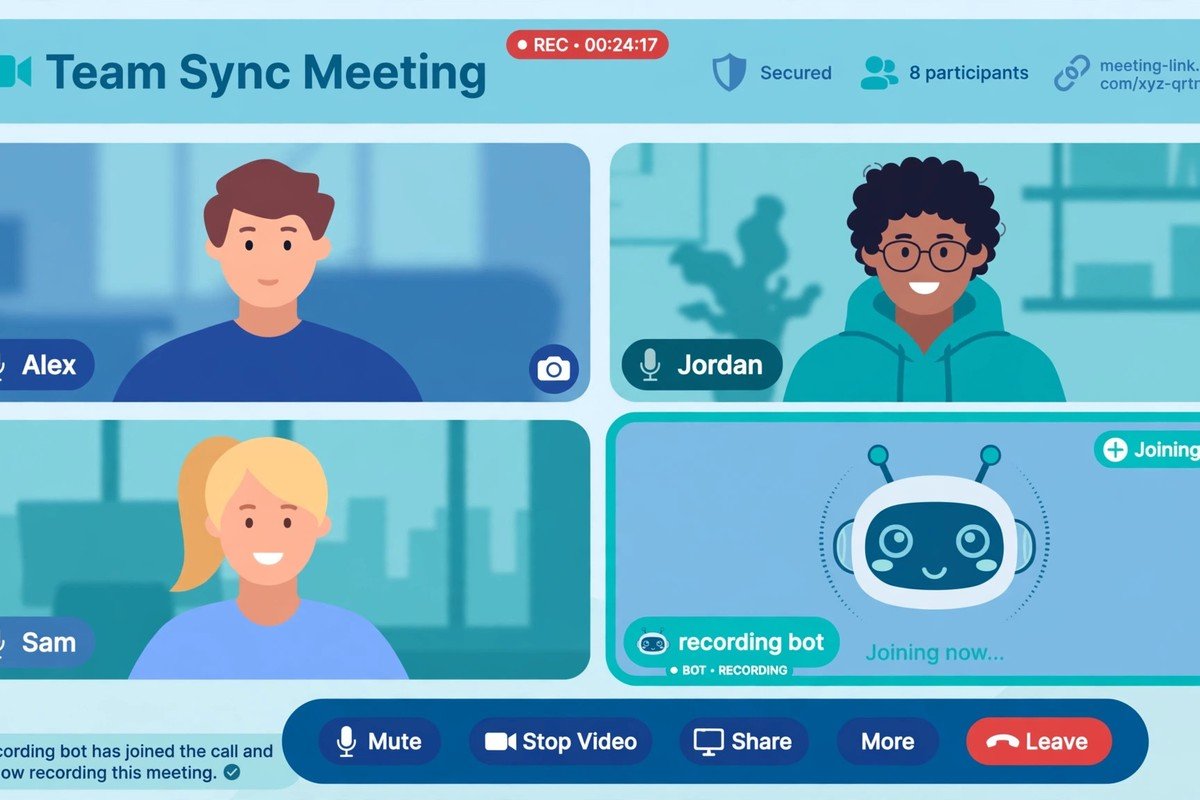
Granola’s signature move is skipping the meeting bot entirely: no extra participant joins your call, which avoids the awkward “recording bot” moment and sidesteps some consent friction. Its AI notes blend with the notes you type yourself. If bot etiquette is your headache, start here.
Before comparing features, decide where you stand on bots. Bot-based tools (Otter, Fireflies, Fathom) join the call as a visible participant, which is transparent but can feel intrusive, and some organisations restrict them. Bot-free tools (Granola, and some local-recording options) capture audio without joining, which feels smoother but raises its own consent questions. Check your company policy and, where required, tell attendees you are recording. For the wider picture of how AI agents fit into small-team workflows, our AI agent examples for small business is a useful companion read.
Recurring team meetings? Otter or Fathom. Sales and recruiting calls? Fireflies. Multilingual team? Notta. Interviews you will publish? Descript. Hate the bot joining? Granola. Zero budget? Start with Fathom’s free tier. Then run a two-week trial with your real meetings, because accuracy on your team’s voices and accents is the only test that matters. No-code teams can pair any of these with the best free AI automation tools to route summaries automatically.
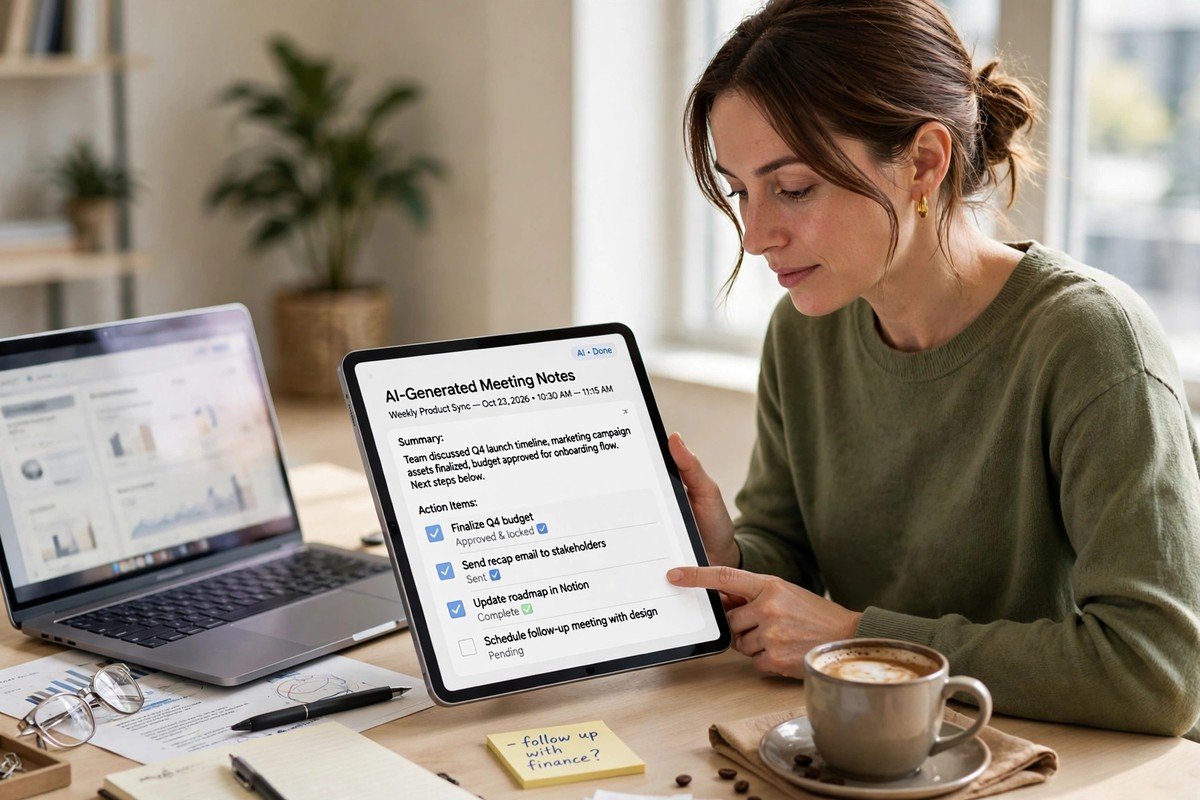
The best AI transcription tools for meetings 2026 has to offer are not decided by accuracy claims on vendor websites. They are decided by your meeting type, your bot policy and whether summaries reach your team without friction. Shortlist two, trial them on real calls for two weeks, and pick the one your team actually opens afterwards.
It depends on your jurisdiction. Some places require one-party consent, others require all parties to agree. The safe default: tell attendees the meeting is being transcribed, note it in the invite, and check your company policy. Bot-based tools announce themselves, which helps with transparency.
Good on clear standard accents, noticeably worse on heavy accents, fast crosstalk and poor microphones. Every vendor publishes optimistic accuracy figures; the only reliable test is your own meeting audio during a free trial.
The best AI transcription tools for meetings 2026 all cap their free tiers: Fathom’s free tier is the most generous for core meeting recording; others are more restricted.
Enterprise plans typically offer SOC 2 compliance and retention controls, but consumer and free tiers vary. If you discuss sensitive material, check the vendor’s security page, data retention policy and whether audio is used for model training before committing.
Yes. Granola is the best-known bot-free option, capturing audio without adding a participant to the call. Some tools also support local recording uploads. Bot-free feels smoother but still requires consent where the law demands it.