How Much GPU Do You Need to Run AI Models Locally? (2026 Guide)
- October 12, 2026
- 1
How Much GPU Do You Need to Run AI Models Locally? (2026 Guide) Wondering how much GPU do you need to run AI models locally? The short answer

How Much GPU Do You Need to Run AI Models Locally? (2026 Guide) Wondering how much GPU do you need to run AI models locally? The short answer
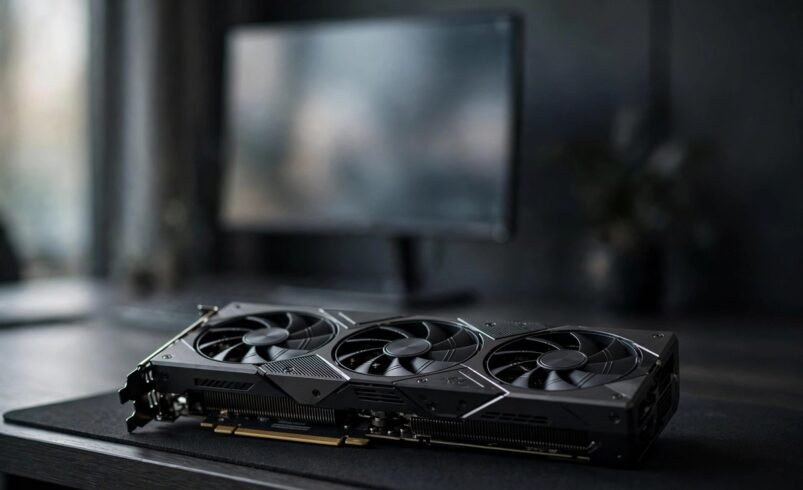
Wondering how much GPU do you need to run AI models locally? The short answer is that it depends on the model’s size and the precision you run it at. A 7B model fits comfortably on an 8GB card, while a 70B model realistically needs 40GB or more of VRAM.
Running AI models locally keeps your data on your own machine and removes subscription fees, so it is easy to see why so many people are doing it. The one thing that decides whether it works is VRAM, the video memory on your graphics card. Get this wrong and the model will either crawl or refuse to load.
Here at AITechCorner we research local AI hardware so you can buy once and buy right. Below you will find a simple rule of thumb, a size-by-size VRAM table, hardware tiers for common budgets, and what to do if you have no GPU at all. Figures are grounded in published VRAM guides from 2026 and cover both Q4 quantized and FP16 full-precision setups.
The formula is simple: VRAM roughly equals parameters times bytes per parameter, plus overhead. Overhead covers the KV cache, the context window and the inference engine itself, and usually adds another 10 to 30 percent on top of the raw weights.
Precision is the biggest lever you control. FP16 (full precision) uses about 2 bytes per parameter, so a 70B model needs roughly 140GB of VRAM before any overhead. Q4_K_M (4-bit quantization, the default in Ollama) uses about 0.55 to 0.65GB per billion parameters, shrinking that same 70B model to the 35 to 45GB range.
That compression sounds dramatic, but the quality cost is small: Q4 loses less than 1 to 2 percent on benchmarks for models of 7B parameters and above. This is why almost everyone runs local models quantized. It is the standard approach, not a hack.
| Model size | Q4 (quantized) | FP16 (full precision) | Minimum GPU |
|---|---|---|---|
| 7B | 4-6GB | 14-16GB | RTX 4060 8GB or RTX 3060 12GB |
| 13B / 14B | 10-14GB | 26-30GB | 12-16GB card (e.g. RTX 3060 12GB) |
| 34B | 20-25GB | 68-75GB | RTX 4090 24GB (Q4, tight) |
| 70B | 35-45GB | 140-160GB | 2x 24GB cards or one 48GB+ card (Q4) |
The figures above include typical overhead for a 4K context window. If you run longer contexts, budget extra headroom, which the context section below explains.
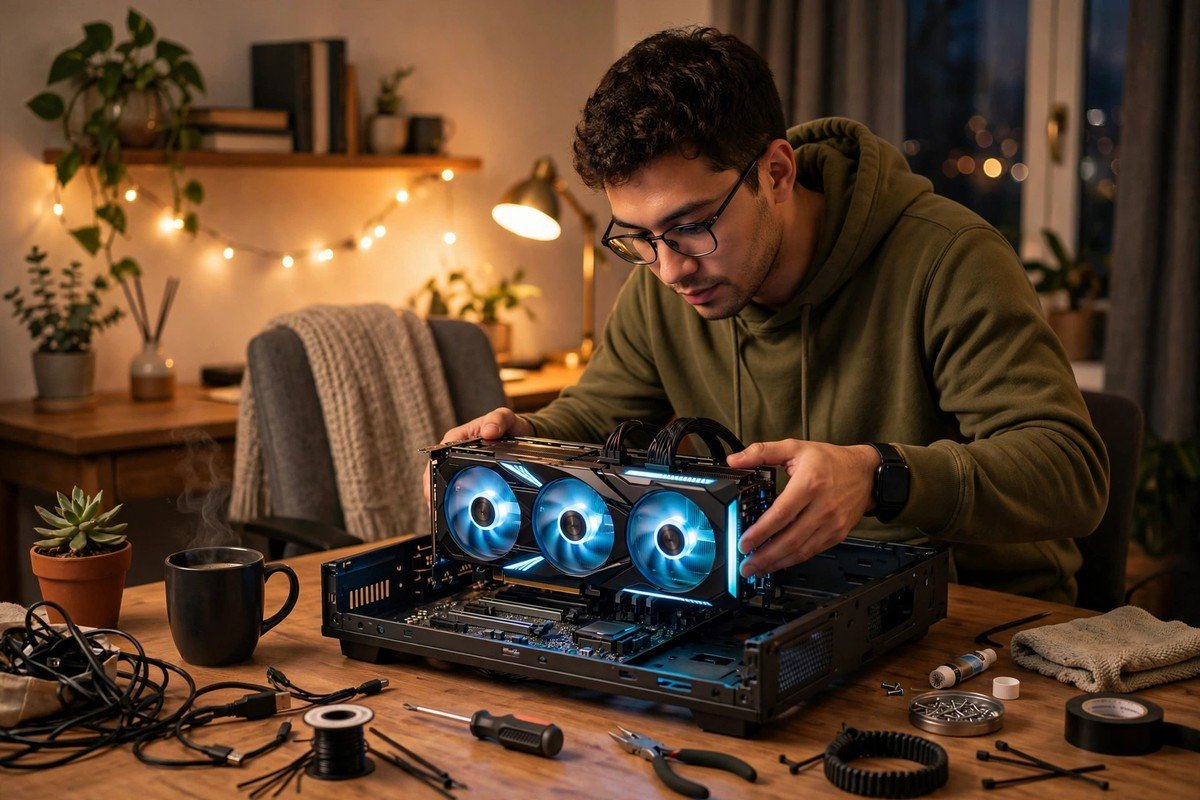
An 8GB card like the RTX 4060, or a Mac with 16GB of unified memory, comfortably runs 3B to 7B models at Q4. This tier handles writing, summarising, coding assistance and everyday chat. If you are new to local AI, start here. Our comparison of ChatGPT, Claude and Gemini helps you see what cloud models do first, so you know what your local setup needs to match.
Cards like the RTX 3060 12GB through the RTX 4090 24GB run 8B to 14B models smoothly at Q4, with headroom for long contexts. A 34B model also fits on a 24GB card at Q4, though it is tight, so keep your context window modest. If you are weighing a hardware purchase, our guide on whether an AI PC is worth buying covers the broader buying decision.
Serious 70B usage at Q4 needs two 24GB cards or a single 48GB or larger card. A single 24GB card can technically offload parts of a 70B model to system RAM, but it runs at single-digit tokens per second, which is not a usable full-speed setup. Do not buy a single 24GB card expecting smooth 70B inference.
One trap to avoid: there is no single universal number. Anyone telling you that you need exactly 24GB of VRAM for local AI is oversimplifying. The table above is the real answer, because the requirement swings from 4GB to 45GB depending on the model.
The KV cache grows with context length, so a model that fits at 4K context can run out of memory at 32K. If you regularly feed long documents to your model, treat the table figures as floors and add another 10 to 20 percent for long contexts, or drop to a smaller model for that task.
You can run AI models locally without a graphics card, but expect a big speed gap. CPU-only inference typically manages 1 to 5 tokens per second, compared with 20 to 100 or more on a GPU. It is fine for occasional questions, but painful for long conversations.
Apple Silicon is the practical exception. Unified memory means a Mac with 16GB or more can run 7B and even 13B models at a usable speed, because the memory is shared rather than split between CPU and GPU pools. This makes mid-range Macs one of the cheapest ways to run capable models locally.
If you want to automate local AI into your workflows later, our n8n, Zapier and Make comparison shows which tools connect self-hosted models to your daily apps.
Some honesty is needed about the 2026 flagship models. Mixture-of-experts models like GLM-5.3, DeepSeek V4 and MiMo-V2.6 need roughly 400 to 880GB of VRAM at Q4. That is server territory, not consumer territory.
If you want these models, use their smaller Flash tiers, or stick to consumer-sized models and wait for the hardware to catch up. For independent verification of these numbers, see ML Journey’s VRAM guide for LLMs from 7B to 70B.
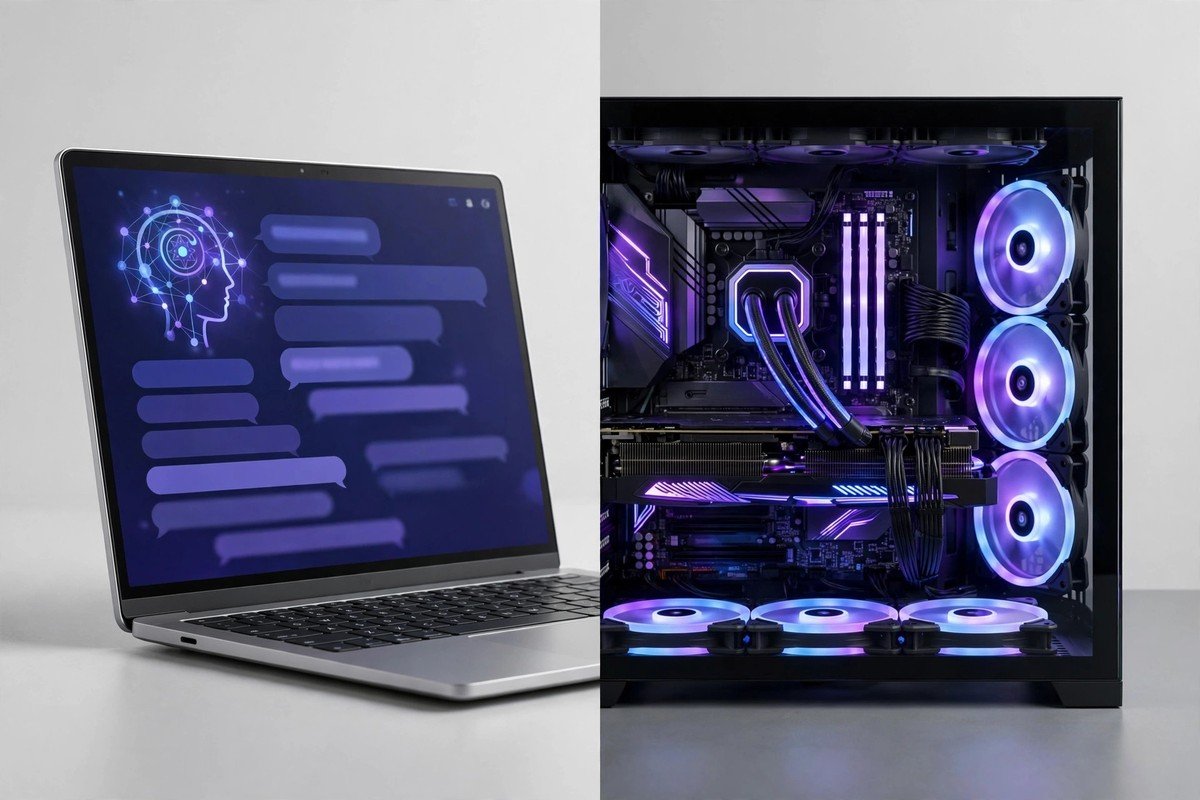
So, how much GPU do you need to run AI models locally? Start with the table: 8GB of VRAM covers 7B models, 12 to 24GB covers up to 14B and stretches to 34B, and 70B class models need 40GB or more. Watch your context length, remember that Q4 quantization barely dents quality, and do not buy more card than your model needs. Match the hardware to the model, not to a myth.
It depends on model size. At Q4 quantization you need 4 to 6GB of VRAM for a 7B model, 10 to 14GB for 13B to 14B, 20 to 25GB for 34B, and 35 to 45GB for 70B. An 8GB card covers most everyday local AI tasks.
Yes, for 3B to 7B models at Q4 quantization. An 8GB card like the RTX 4060 handles chat, writing and coding assistance well. You will need 12GB or more once you move to 13B models or longer context windows.
Not at full speed. A single 24GB card can only run a 70B model by offloading parts to system RAM, which drops performance to single-digit tokens per second. For usable 70B inference you need two 24GB cards or one 48GB or larger card.
Very little. Q4 quantization loses less than 1 to 2 percent on benchmarks for models of 7B parameters and above. Most local AI users run Q4 by default and would not notice the difference against full precision in everyday tasks.
Yes, but CPU-only inference runs at roughly 1 to 5 tokens per second, versus 20 to 100 or more on a GPU. Macs with 16GB or more of unified Apple Silicon memory are the practical exception and run 7B and 13B models at usable speed.







1 Comment
[…] Three developments explain why a laptop-sized model can now do serious work. First, data quality beat data quantity: Microsoft’s Phi line showed that curated, textbook-style training data beats raw scraped web text at small scale. Second, distillation: small models increasingly learn from larger models, transferring capability downward. Third, 4-bit quantisation: a 7B model compressed to Q4 needs around 4GB of memory, which fits comfortably on a laptop. For the hardware maths, see our guide on how much GPU you need to run AI models locally. […]