7 Best AI Video Generators for Small Business 2026 (Compared)
- October 9, 2026
- 0
7 Best AI Video Generators for Small Business 2026 (Compared) Finding the best ai video generators for small business 2026 is a matter of research, not guesswork. We

7 Best AI Video Generators for Small Business 2026 (Compared) Finding the best ai video generators for small business 2026 is a matter of research, not guesswork. We
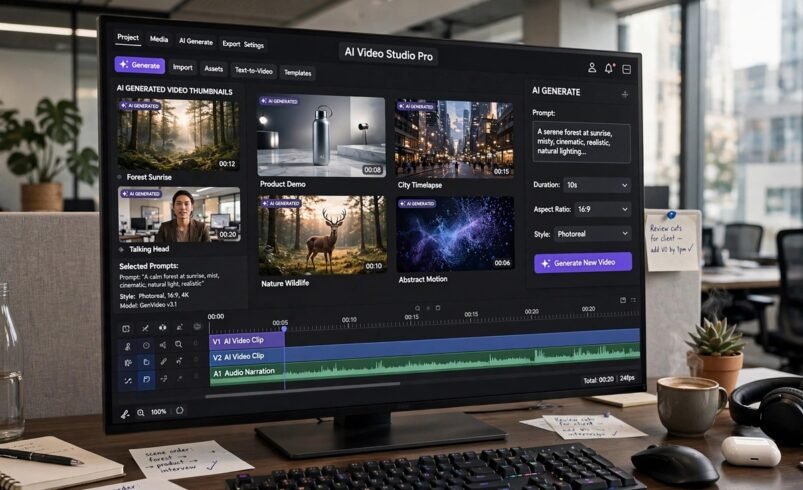
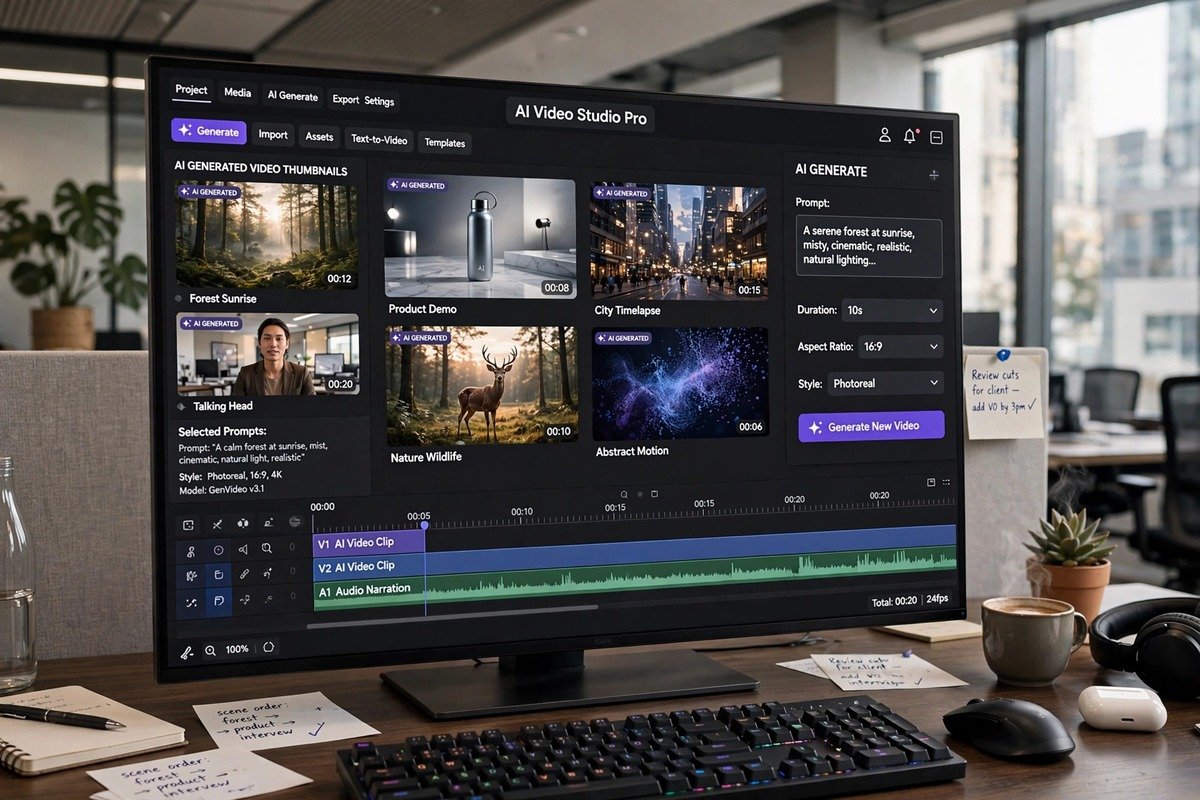
Finding the best ai video generators for small business 2026 is a matter of research, not guesswork. We compared pricing, features and verified user reviews rather than hands-on testing, so every recommendation below rests on published pricing pages, feature lists and third-party verified pricing from September and October 2026.
Video has become the highest-converting content format for small business marketing, but professional production used to cost thousands. AI video generators changed that equation. They can turn a text prompt, a blog post or a script into a finished video in minutes, and most now grant commercial rights on paid plans.
Here at aitechcorner.com, we track the tools that genuinely save small teams time and money. Below you will find a quick comparison table followed by a short breakdown of each tool. All prices are as of October 2026 and change often, so verify them on each tool’s official pricing page before you commit.
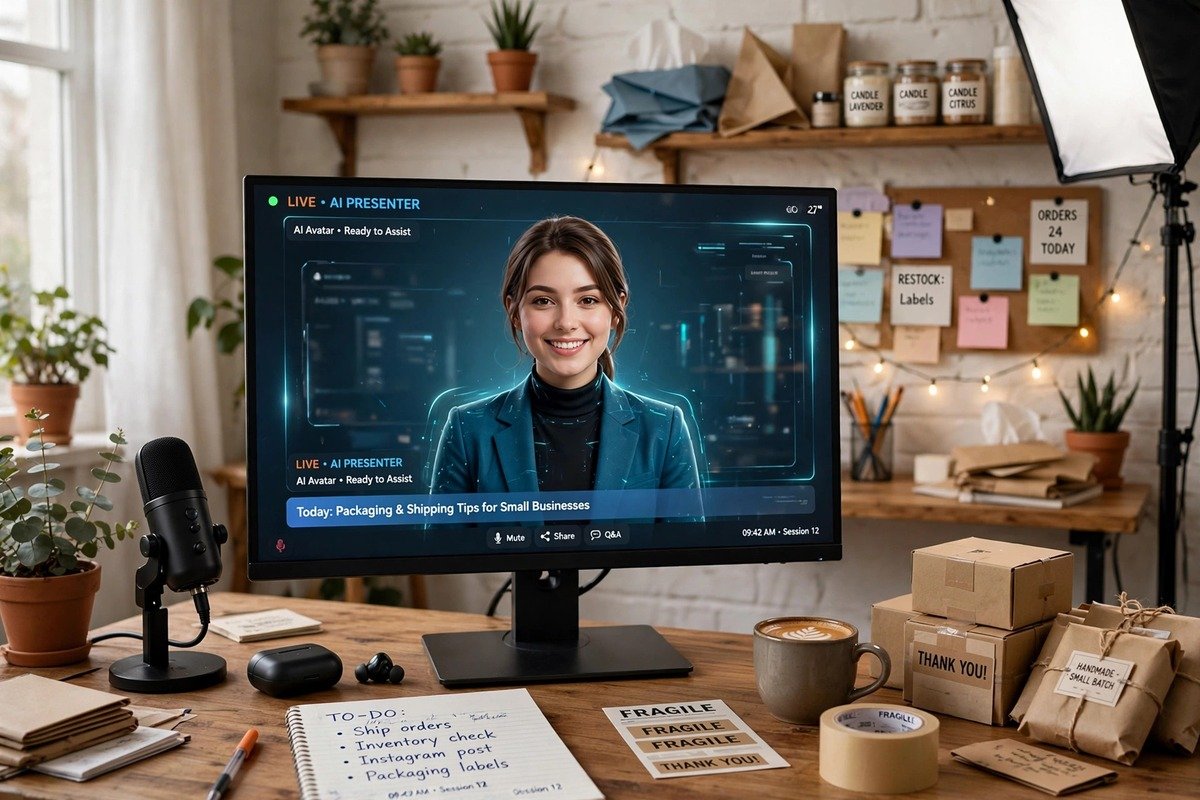
We scored each tool on four criteria that matter to small businesses: price, ease of use, output quality and commercial rights. We cross-checked pricing against the vendors’ own pricing pages and third-party roundups published in September and October 2026. Tools that only offer personal-use licences on paid plans, or hide their pricing, scored lower.
| Tool | Starting price | Free tier | Standout strength |
|---|---|---|---|
| HeyGen | $29/mo | 3 watermarked videos/mo | Avatar marketing, video translation |
| Synthesia | $29/mo | Limited demo | Corporate presenters, training |
| Runway | $15/mo | 125 one-time credits | Cinematic generative footage, editing suite |
| InVideo AI | ~$17/mo (annual) | Limited free videos | Prompt-to-finished-video all-in-one |
| Pictory | $25-29/mo | Free trial | Blog and script repurposing |
| Kling AI | $10/mo | Free credits | Budget text-to-video |
| Pika | $10/mo | Free credits | Fast stylised clips; commercial rights from $35/mo |
HeyGen is the strongest pick when your videos need a human face. Its AI avatars look natural enough for product explainers, ad creatives and social posts, and its video translation feature can dub your marketing videos into dozens of languages while keeping lip sync convincing.
Price: Creator plan from $29/month (about $24/month billed annually); the free tier includes 3 watermarked videos per month.
Best for: avatar-led marketing videos and multi-language video translation.
Synthesia targets corporate communication rather than flashy marketing. Its presenters are polished, its templates suit training videos, onboarding content and internal updates, and the platform is built for teams that need consistent, on-brand output without a camera crew.
Price: Starter plan from $29/month (about $18/month billed annually).
Best for: professional presenter videos, training and internal comms.
Runway is a different beast from the avatar tools above. It generates cinematic footage from text prompts and image references, and its built-in editing suite means you can produce a finished short entirely in one place. Because it trains on licensed data, it is a safer choice than many rivals for client work where rights matter. You can explore the platform at Runway’s official site.
Price: Standard plan $15/month ($12/month billed annually); a free tier includes 125 one-time credits. Its flagship Gen-4.5 model leads current benchmarks.
Best for: generative, cinematic footage and full in-browser video editing.
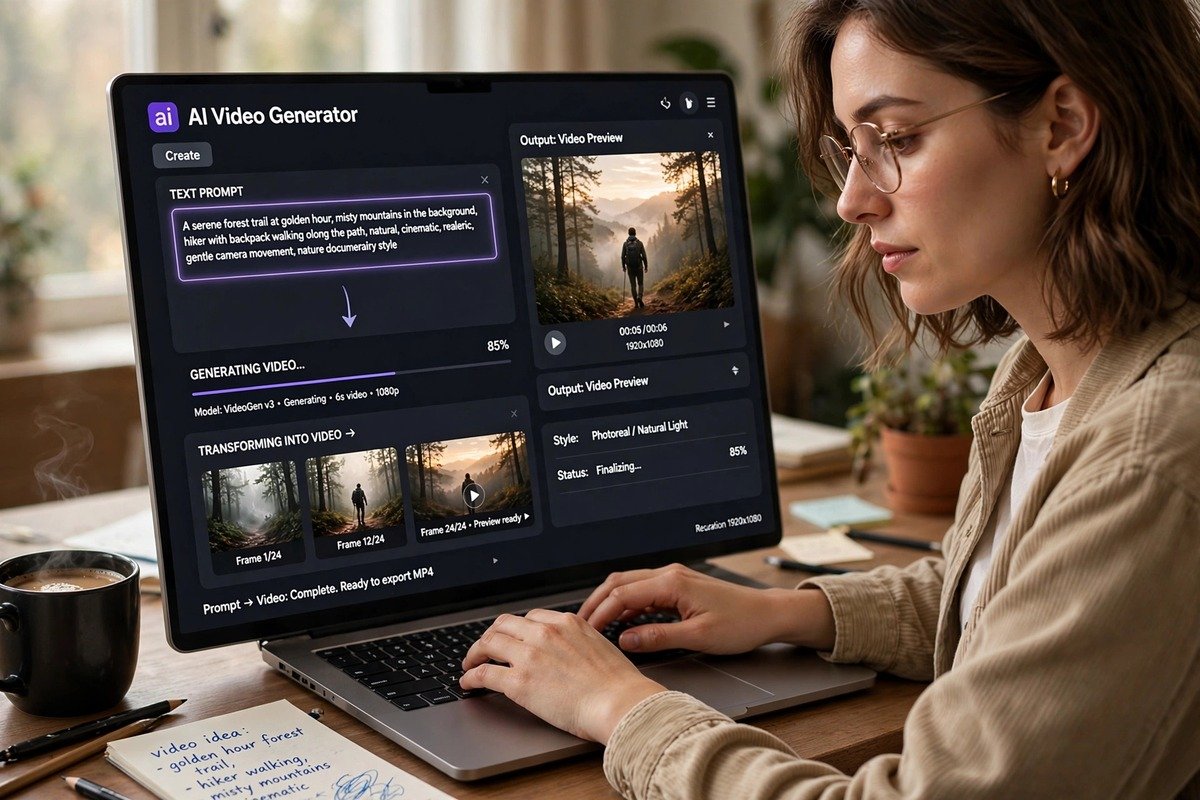
InVideo AI takes a single prompt and returns a finished video: script, voiceover, stock footage and captions included. It removes almost every manual step, which makes it ideal for small business owners who want weekly social content without learning an editor. Pair it with strong scripts, such as those written with the AI models in our ChatGPT vs Claude vs Gemini comparison, and output quality rises sharply.
Price: Plus plan about $17/month billed annually.
Best for: prompt-to-finished-video content for social media and ads.
Pictory is built for repurposing. Paste in a blog post, a webinar recording or a script and it returns a short video with captions, stock visuals and voiceover. If you already publish written content, Pictory turns your archive into video at almost no extra effort.
Price: Starter plan $25 to $29/month.
Best for: turning blogs, scripts and long recordings into short videos.
Kling AI delivers surprisingly capable text-to-video generation at a budget price. Its clips are shorter and less polished than Runway’s, but for product teasers, background loops and quick social content it punches well above its cost. It is the cheapest serious entry point on this list.
Price: Standard plan $10/month.
Best for: budget text-to-video clips and social content at volume.
Pika generates fast, stylised clips from text and image prompts, and it has a loyal following among creators who want playful, artistic output. The catch is commercial rights: they are only included from the Creator plan at $35/month, so the cheaper $10/month Starter plan is not suitable for business advertising.
Price: Starter $10/month; commercial rights start with the Creator plan at $35/month.
Best for: stylised creative clips, provided you pay for commercial rights.
On paid plans, most tools on this list grant commercial rights, which is what lets you legally use videos in ads and client work. The exception is Pika, where commercial use begins at the $35/month Creator tier, so do not publish Starter-plan output commercially. Always confirm the current terms on each tool’s own pricing or terms page rather than trusting competitor roundups, since licensing details change.
Free tiers almost never include commercial rights, and watermarked videos should never appear in paid advertising. When rights matter for a client project, Runway’s licensed-data approach and HeyGen’s clear commercial licensing are the safest bets on this list.
Two tools sit just outside our top 7. Google Veo 3.1, available through Google AI Pro at $19.99/month, produces short 8-second clips up to 4K with native audio and leads current quality benchmarks, though the credit system makes costs harder to predict. D-ID Lite at $5.90/month is the cheapest avatar option we found for basic talking-head videos. If you automate your content pipeline, our n8n vs Zapier vs Make comparison shows how to publish generated videos hands-free.

The best ai video generators for small business 2026 all solve the same problem: producing professional video without a production budget. Choose HeyGen for avatar marketing, Runway for cinematic creative work, and InVideo AI or Pictory when you need volume from prompts or existing content. Check commercial rights before publishing, verify pricing on official pages, and you can run a credible video marketing programme from a laptop. If rendering locally is part of your workflow, our guide on whether an AI PC is worth buying covers the hardware side.
The strongest options are HeyGen for avatar marketing, Runway for cinematic generative footage, InVideo AI for prompt-to-finished-video, Pictory for repurposing written content, Synthesia for training videos, Kling AI for budget clips and Pika for stylised creative work.
On paid plans, most of the best ai video generators for small business 2026 include commercial rights. Pika is the notable exception: commercial use requires the Creator plan at $35/month. Always verify current licensing on each tool’s own pricing or terms page.
Expect $10 to $29/month per tool as of October 2026. Kling AI and Pika start at $10/month, Runway at $15/month, and HeyGen, Synthesia and Pictory sit in the $25 to $29/month range. Annual billing usually cuts 20 to 40 percent off monthly prices.
Free tiers are fine for experimenting, but they almost never include commercial rights and usually add watermarks. Any video used in ads or client work should come from a paid plan with clear commercial licensing, such as the ones covered in this guide to the best ai video generators for small business 2026.
InVideo AI and Pictory are the easiest starting points: you type a prompt or paste a blog post and get a finished video with captions and voiceover. HeyGen is nearly as simple if your content suits an avatar presenter format.