Is It Safe to Share Personal Information With AI Chatbots? What Really Happens to Your Data
November 5, 2026
0
Is It Safe to Share Personal Information With AI Chatbots? What Really Happens to Your Data Is it safe to share personal information with ai chatbots? The short
Is It Safe to Share Personal Information With AI Chatbots? What Really Happens to Your Data
Is it safe to share personal information with ai chatbots? The short answer is: it depends on what you share, which tool you use, and which settings you have switched on. Chatbots can be helpful for drafting, planning, and learning, but they are not private notebooks by default. Treating every chat as something that could be stored helps you stay in control.
This guide explains what usually happens to your chats, what you should never paste in, and the safer habits that work for personal and work use. Provider settings change over time, so always check the provider’s current privacy and data controls before you rely on a setting.
What Happens to Your Chats
When you send a message to a chatbot, it is normally sent to the provider’s servers, stored for a period, and may be reviewed in some form for safety or quality checks. Some providers let you opt out of training use, turn on temporary chats, or delete history, but the exact options vary by provider and plan. Deletion also does not always mean instant removal from every backup or safety system, so assume that sensitive details, once sent, cannot be fully taken back.
Shared links add another risk. If you share a chat link, anyone with that link may be able to read the full conversation, including anything personal you pasted earlier. Check the sharing settings before you send a link, and avoid sharing chats that contain private details.
What Never to Share
Some details should never go into a general chatbot. Keep this list in mind every time you type a prompt:
Passwords, PINs, or login codes
Card numbers, bank account details, or payment information
National ID numbers, passport numbers, or driving licence numbers
Full medical records or detailed health histories
Other people’s personal details, including children, clients, or colleagues, without a clear reason and permission
If a task seems to need one of these details, stop and find another way. A chatbot rarely needs your real identity to help with a draft, a plan, or an explanation.
Information, Risk, and Safer Alternatives
Type of information
Risk level
What to do instead
Passwords and login codes
High
Never paste them. Use a password manager and reset a password through the official service if needed.
Card and bank numbers
High
Never paste them. Use placeholders such as Card A and describe the problem in general terms.
ID numbers and official documents
High
Never paste them. Summarise the question without the document or number.
Full medical records
High
Do not paste full records. Ask general health information questions and speak to a clinician for personal advice.
Work documents with client data
High
Remove names and identifiers first, or use an approved work tool only. Check your employer’s policy.
Your name, age, or city in a casual chat
Medium
Share only if it helps the answer, and avoid combining it with other identifying details.
General ideas, drafts, and learning questions
Low
Safe in most cases, but still avoid names and private context you do not need to include.
Safer Habits That Actually Help
Anonymise your prompts. Replace real names with Person A, use approximate dates instead of exact birthdays, and describe a situation rather than copying a private message. You will usually get the same quality of answer with far less exposure.
Use temporary chats where they are offered, and check your history and training settings from time to time. Turn on a strong, unique password and two factor authentication for your chatbot account, because account access can expose your chat history. For help writing better prompts without private detail, see these prompt engineering tips for beginners.
Be careful with screenshots and copied chats too. A screenshot can reveal names, email addresses, and other details in the background. Crop and check an image before you share it anywhere.
Work Use Versus Personal Use
Personal use and work use need different rules. At home, the main risk is your own privacy. At work, the risk can extend to clients, colleagues, and company data, and your employer may have rules about approved tools. Never paste client data, internal documents, or unreleased business plans into a public chatbot unless your employer has approved that exact tool for that exact use.
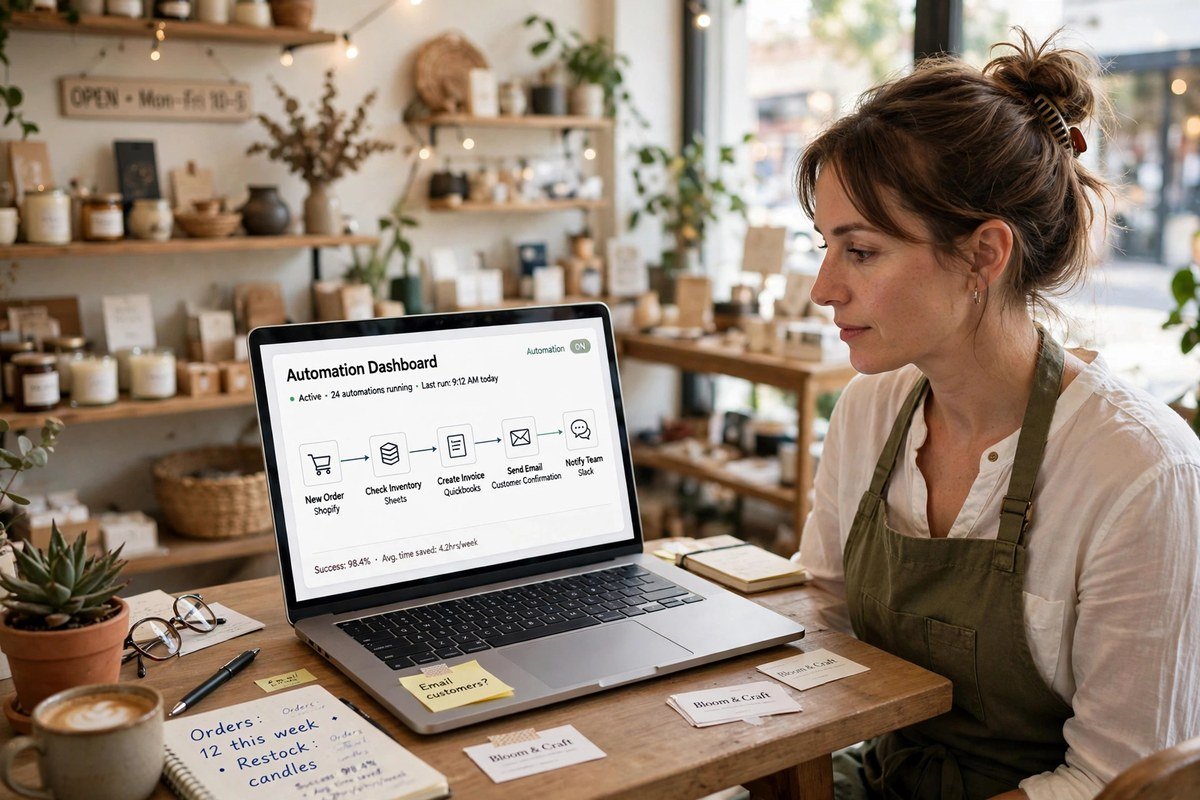
If you want to use AI at work, ask which tool is approved, what data is allowed, and how long chats are kept. A short check at the start saves a difficult conversation later. For a privacy friendly alternative to cloud tools, compare running AI models locally versus cloud, and for everyday productivity, read about AI email automation for small business.
What to Do If You Already Shared Something
Do not panic, but act quickly. First, delete the chat if the tool allows it, and turn off chat history or training use where that option exists. Second, change any password or code you shared, and contact your bank at once if payment details were involved. Third, check the provider’s current privacy and data controls, because the steps for deletion and opt-outs differ by provider and change over time.
If you shared someone else’s details, tell them what happened and what you have done about it. If work data was involved, tell your manager or data protection contact promptly. Quick, honest action limits harm far better than hoping nobody notices.
Is it safe to share personal information with ai chatbots? It can be safe for general questions, drafts, and learning, but it is not safe for passwords, payment details, ID numbers, full medical records, or other people’s private details. Anonymise prompts, check current provider settings, use strong account security, and keep work data inside approved tools. With those habits, you can enjoy the benefits of chatbots without handing over details you cannot take back.
Frequently Asked Questions
Can AI chatbots store my conversations?
Yes, in most cases chats are stored for a period and may be reviewed for safety or quality. Check the provider’s current privacy and data controls for retention, deletion, and training options.
Is it safe to share my name with an AI chatbot?
A name alone is usually low risk, but it becomes more identifying when combined with age, location, workplace, or health details. Share only what the answer actually needs.
Should children use AI chatbots with personal details?
Children should be guided not to share their full name, school, address, photos, or contact details with chatbots. Parents and carers should check the tool’s age guidance and privacy settings first.
What should I do if I pasted a password into a chatbot?
Delete the chat if possible, change that password at once, and change it anywhere else you reused it. Turn on two factor authentication and check your account for unusual activity.
Are temporary chats completely private?
Not completely. Temporary chats may limit storage and training use, but they still pass through the provider’s systems and may be kept briefly for safety reasons. Never use them for passwords, payment details, or ID numbers.