Running AI Locally vs Cloud: Pros, Cons and Costs in 2026
- October 17, 2026
- 0
Running AI Models Locally vs Cloud Pros and Cons in 2026 Running AI models locally vs cloud pros and cons is the question I hear most from readers

Running AI Models Locally vs Cloud Pros and Cons in 2026 Running AI models locally vs cloud pros and cons is the question I hear most from readers
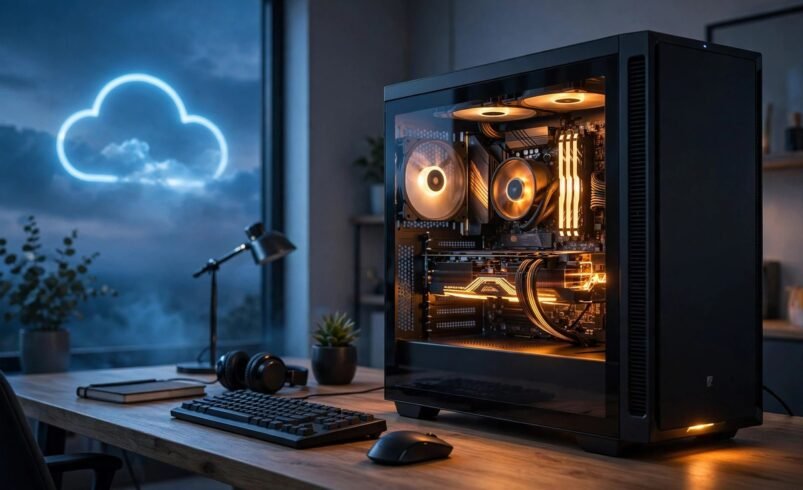
Running AI models locally vs cloud pros and cons is the question I hear most from readers who are tired of seeing “you have hit your usage limit”. Cloud AI such as ChatGPT, Claude and Gemini runs on company servers and answers you over the internet. Local AI runs the model on your own PC with free tools like Ollama or LM Studio, so your prompts never leave your machine. Both have real strengths and honest weaknesses, and the right pick depends on your hardware, your budget and how you use AI. Here is the comparison on facts checked in October 2026.
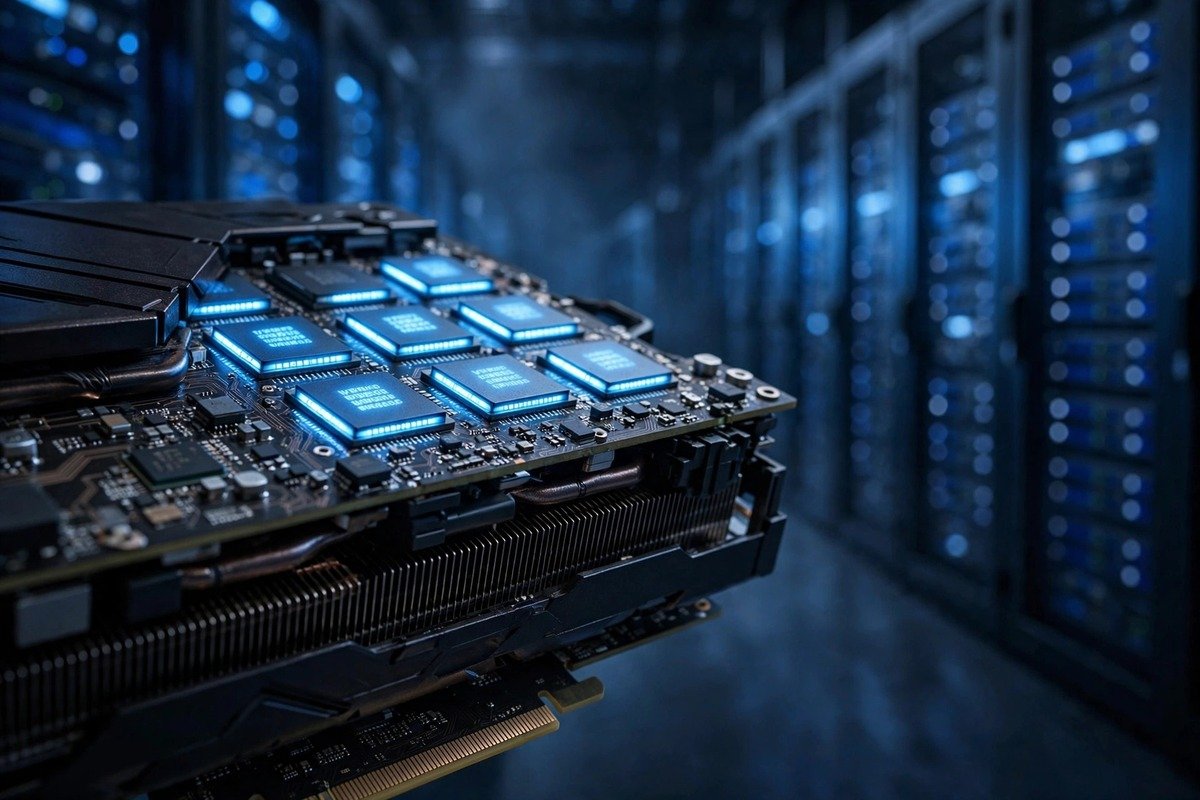
A local model is a finished AI model downloaded as a file and run on your own processor and graphics card. The popular ones are open-weight models anyone can download: Meta’s Llama, Alibaba’s Qwen, Google’s Gemma and OpenAI’s gpt-oss, run through a free app like Ollama or LM Studio. Full-size models are huge, so most people run 4-bit quantised versions, compressed to fit ordinary memory at a small quality cost. A 7B model has 7 billion parameters, and the “B” number roughly signals quality and memory needs; our small vs large language models guide explains the trade-off.
| Factor | Local AI | Cloud AI |
|---|---|---|
| Hardware | Needs enough RAM or GPU video memory (table below) | Any device with a browser and internet |
| Cost | Software free; possible hardware upgrade plus a little electricity | Free tiers exist; paid plans about $20 a month |
| Quality | Good for drafts and summaries; weaker at deep reasoning | Best available, with newest models and web search |
| Current facts | Frozen at training date | Searches the web in real time |
| Privacy | Prompts stay on your PC if the app has no cloud connections | Chats live on provider servers under their retention policies |
| Offline | Yes, once downloaded | No |
| Limits | None | Plan caps that change over time |
| Best for | Private, repetitive or offline work | Hard problems, current events, images and audio |
Two things decide it: memory size and memory speed. The model must fit with room left for the operating system, or it crawls. These are rules of thumb for 4-bit quantised models.
| Model size | System RAM | GPU video memory | Example 2026 models |
|---|---|---|---|
| About 3B | 8GB | 6GB | Gemma 3 4B class, small Qwen3 |
| About 7B | 16GB | 8GB | Llama 3.x 8B, Qwen3 8B |
| About 13B | 32GB | 12GB | Larger Llama and Qwen builds |
| About 20B | Not practical | 16GB | gpt-oss-20b |
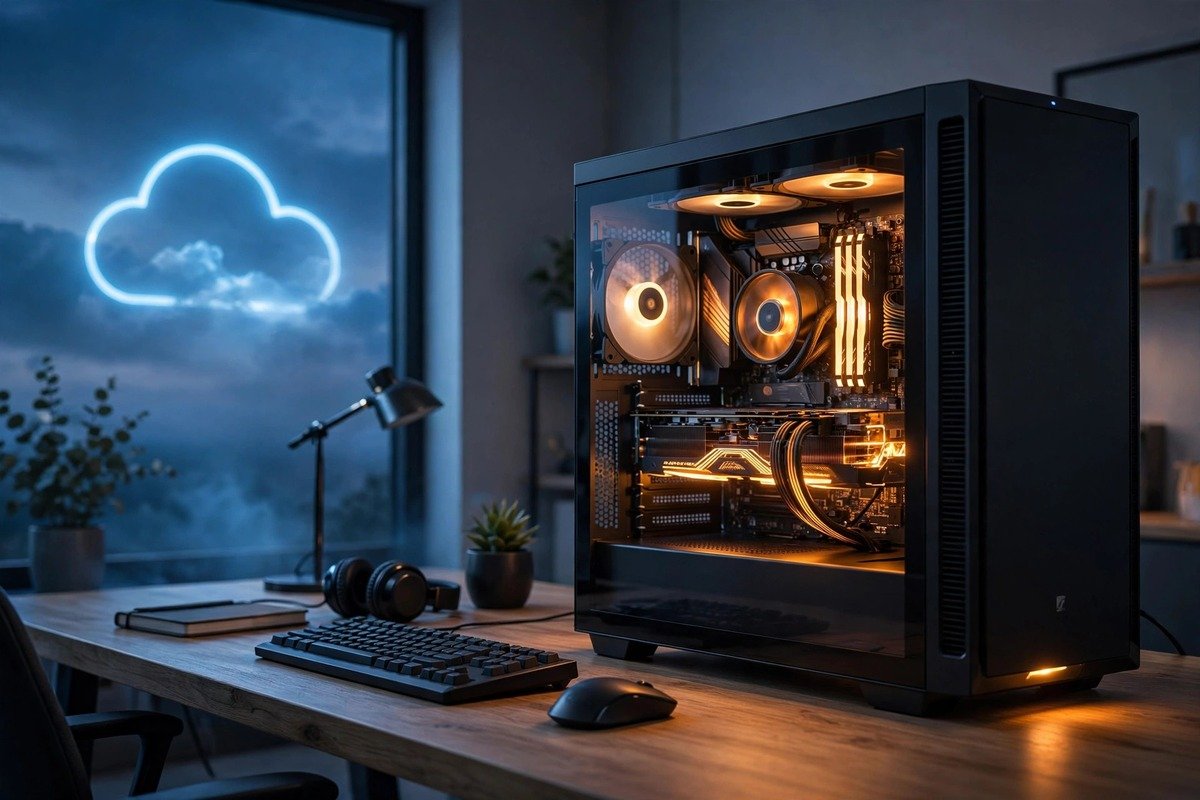
A gaming PC with a 12GB to 16GB graphics card is the sweet spot: a 13B model comfortably, or gpt-oss-20b at 16GB. A recent Mac with 24GB or more of unified memory also works well. See our guide to how much GPU you need to run AI models locally for more detail.
You do not need an NPU. The “AI PC” sticker on new laptops means a small chip for light background jobs like live captions, and it cannot run chatbot-sized models. Graphics memory matters far more, so read whether an AI PC is worth buying in 2026 before paying extra for the label.
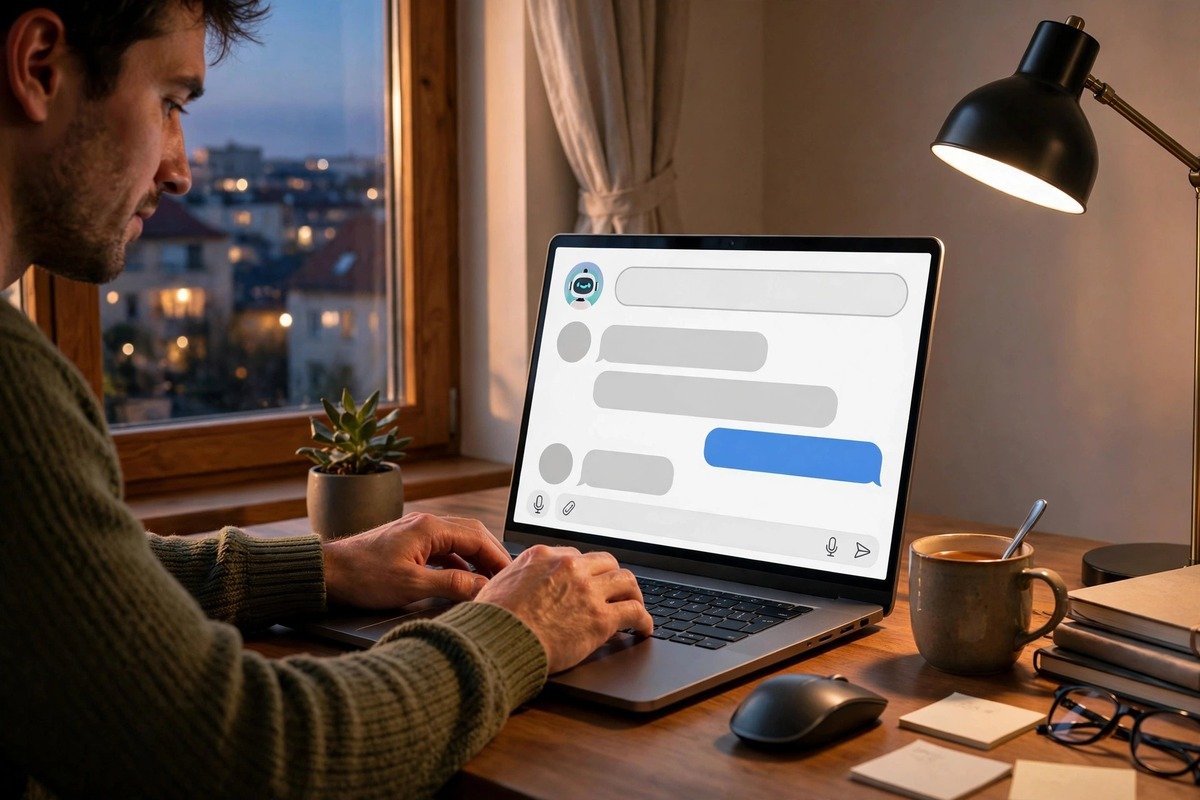
Cloud pricing has converged: as of October 2026, ChatGPT Plus and Claude Pro both cost $20 a month and Google AI Pro costs $19.99, so a paid plan is about $240 a year. All three keep free tiers with limits, which suits light use.
Local software costs nothing, so it comes down to what you own. Existing memory means local is nearly free beyond a little electricity; a needed GPU upgrade costs roughly 18 to 24 months of a $20 subscription at October 2026 prices, then keeps saving you money.
For electricity, estimate GPU wattage times hours used times your per-kWh tariff: an hour or two a day typically adds only a few pounds or dollars a month. Short version: light use on a basic PC favours the cloud; heavy daily use favours local.
Privacy is local’s strongest card, with one caveat: the model never sends prompts anywhere, but the app around it might through telemetry or sync. Keep optional cloud features off. With cloud AI, chats live on provider servers; 2026 policies report ChatGPT and Claude remove deleted chats within about 30 days, while Gemini keeps activity 18 months by default. Compare the options in our ChatGPT vs Claude vs Gemini comparison.
Speed is nuanced. Local skips the network round trip, so a strong GPU answers in seconds, but a weak laptop CPU crawls and heats up, so plug in and keep vents clear. Cloud speed depends on provider load and your connection.
The quality gap is real: 2026 tests found local models fine for emails and rewrites but weaker at multi-step reasoning and image or audio work, and they freeze at their training date while cloud models search the web.
Most people do best with a routing rule: local for private, repetitive and offline work; cloud for hard reasoning, current facts, images and audio. Start with the cloud while you learn your habits, then move routine high-volume tasks local. You also get resilience: no internet, local keeps working; GPU trouble, the cloud tab is still there.
Testing costs only a download. First, check your RAM and graphics card memory in Task Manager or Activity Monitor. Second, update your graphics drivers, since old drivers are the top reason a local model refuses to start. Third, install Ollama or LM Studio. Fourth, pick a 7B quantised model for 16GB of RAM or 8GB of video memory. Fifth, keep the context window small. Finally, test a real task like drafting an email and compare honestly with your cloud chatbot.

Weighing running AI models locally vs cloud pros and cons comes down to three questions. Hardware? A PC with 12GB or more of video memory, or a Mac with 24GB of unified memory, runs local AI well; much less belongs in the cloud. Usage? Daily heavy use makes local cheaper within a couple of years; light use favours free cloud tiers. Sensitive data? Local keeps prompts on your machine, telemetry caveat noted. For most readers the 2026 answer is the hybrid: free local for everyday private work, cloud for the hard stuff. Try a 7B model on your real workload and let the results decide.
Not at the top end. Local 7B to 20B models handle everyday writing well, but 2026 tests found them weaker at multi-step reasoning and image or audio work, and they freeze at their training date while cloud models search the web. Use local for routine work, cloud for hard problems.
It depends on memory. A laptop with 16GB of RAM can run a 7B model, but expect heat and short battery life under load, so plug in. Thin ultrabooks with integrated graphics manage a couple of tokens per second; a desktop with a proper graphics card is far more comfortable.
Mostly, with one check. The model never sends prompts anywhere, but the app around it might through telemetry or cloud sync, so switch optional cloud features off and verify the app’s privacy settings. Done properly, local is the most private option available.
The software is free, so compare hardware and electricity against $240 a year. Existing capable hardware means only a little extra electricity; a needed GPU upgrade costs roughly 18 to 24 months of subscription fees at October 2026 prices. Light users should stay on free cloud tiers; heavy daily users save most by going local.
No. The NPU in AI-branded laptops handles small background jobs like live captions at very low power and cannot run chatbot-sized models. Graphics memory on a dedicated GPU, or plenty of unified memory on a Mac, is what matters. Buy for memory capacity, not the NPU number on the box.