12 AI Automation Use Cases Small Businesses Are Using Right Now
- November 4, 2026
- 0
12 AI Automation Use Cases Small Businesses Are Using Right Now AI automation use cases for small business 2026 start with one plain question: which repeated job is

12 AI Automation Use Cases Small Businesses Are Using Right Now AI automation use cases for small business 2026 start with one plain question: which repeated job is
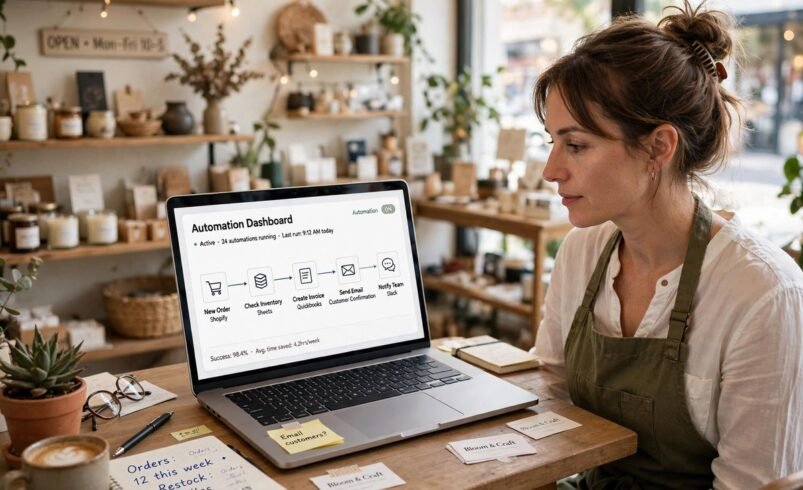
AI automation use cases for small business 2026 start with one plain question: which repeated job is eating your week? This guide answers that question with 12 practical examples that small teams can actually run, from instant customer replies to invoices that chase themselves. Each use case explains what it does, who it suits, and how to start small, so you can pick one, test it for two weeks, and only then add another.
Forget the idea that automation means a big system or a big budget. For most small businesses it means one small workflow, done reliably, inside tools you already pay for. A form fills a spreadsheet. A message triggers a reply. A draft waits for your approval instead of sitting in your head. The businesses that get value from AI automation are rarely the ones with the most tools. They are the ones with one clear workflow that saves time every single week.
Read the 12 use cases below as a shortlist, not a shopping list. Score each one by how often the job happens, how much time it takes, and how painful it is when it goes wrong. The highest scorer is your first automation. The rest can wait.
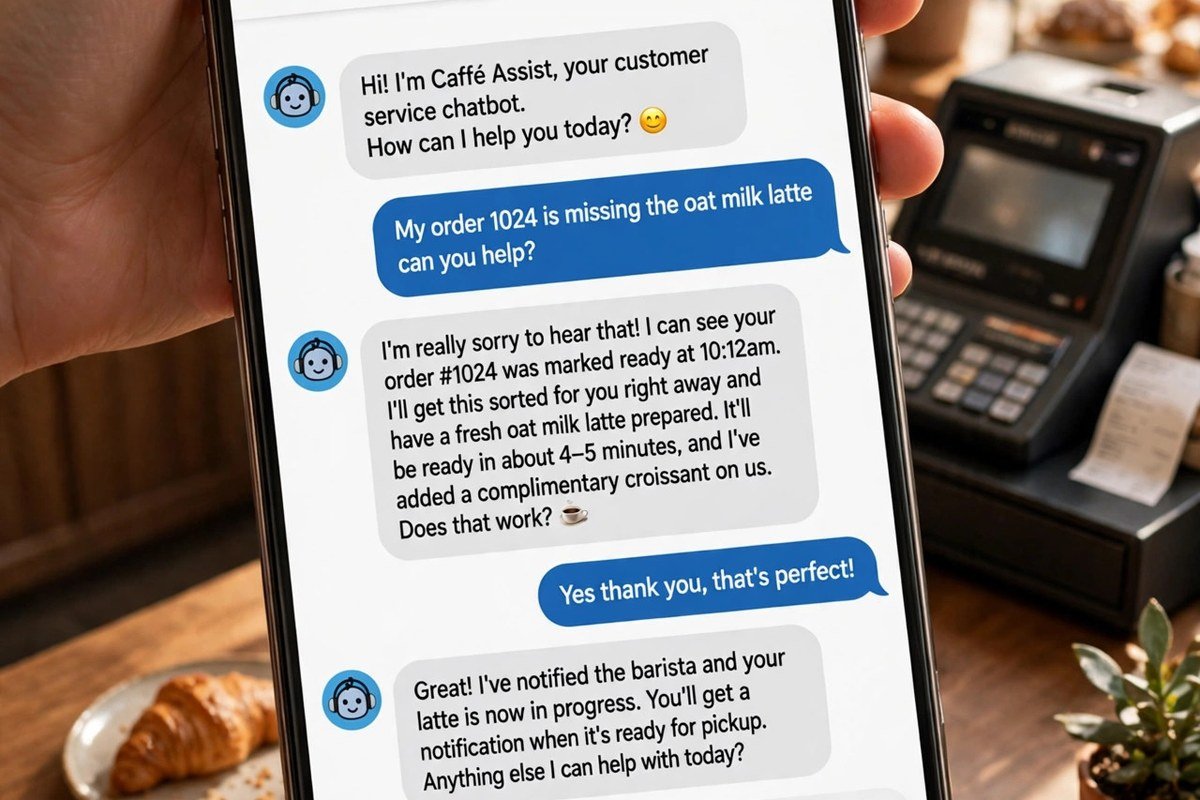
A chatbot or automated reply answers opening hours, prices, delivery times, and booking links the moment a customer asks, day or night. It suits shops, clinics, salons, and trades where the same five questions arrive daily. Start small: load only your ten most asked questions, keep a clear route to a person, and review the answers weekly until they sound like you.
When someone fills in a form, the system logs the lead, sends a friendly acknowledgement, and books a follow up task, so no enquiry sits unread over a weekend. It suits service businesses where a slow reply loses the job. Start small: one form, one acknowledgement, and one follow up message that stops the moment the person replies.
Welcome emails, booking reminders, and gentle follow ups go out on triggers, not on memory. A new subscriber gets the right series, an existing customer gets a useful nudge, and nobody on your team has to remember to press send. Our guide to AI email automation for small business sets out the three starter workflows worth building first. Start small: a welcome sequence only, tested on yourself before it goes live.
AI drafts captions, suggests posting times, and queues a week of posts from one sitting, so marketing stops depending on a free hour that never arrives. It suits businesses that sell visually, such as cafes, florists, and fitness studios. Pair the drafts with pictures made using our guide to free AI image generators, then edit every caption in your own voice before it publishes. Start small: three posts a week, planned in one sitting.
Blog outlines, product descriptions, and newsletter drafts arrive in minutes instead of blank page hours, and your job becomes editing rather than inventing. It suits owners who know their subject but struggle to start writing. Our guide to prompt engineering tips for beginners shows how a clear brief turns a generic draft into a usable one. Start small: one product description or one newsletter section, rewritten by you before it goes out.
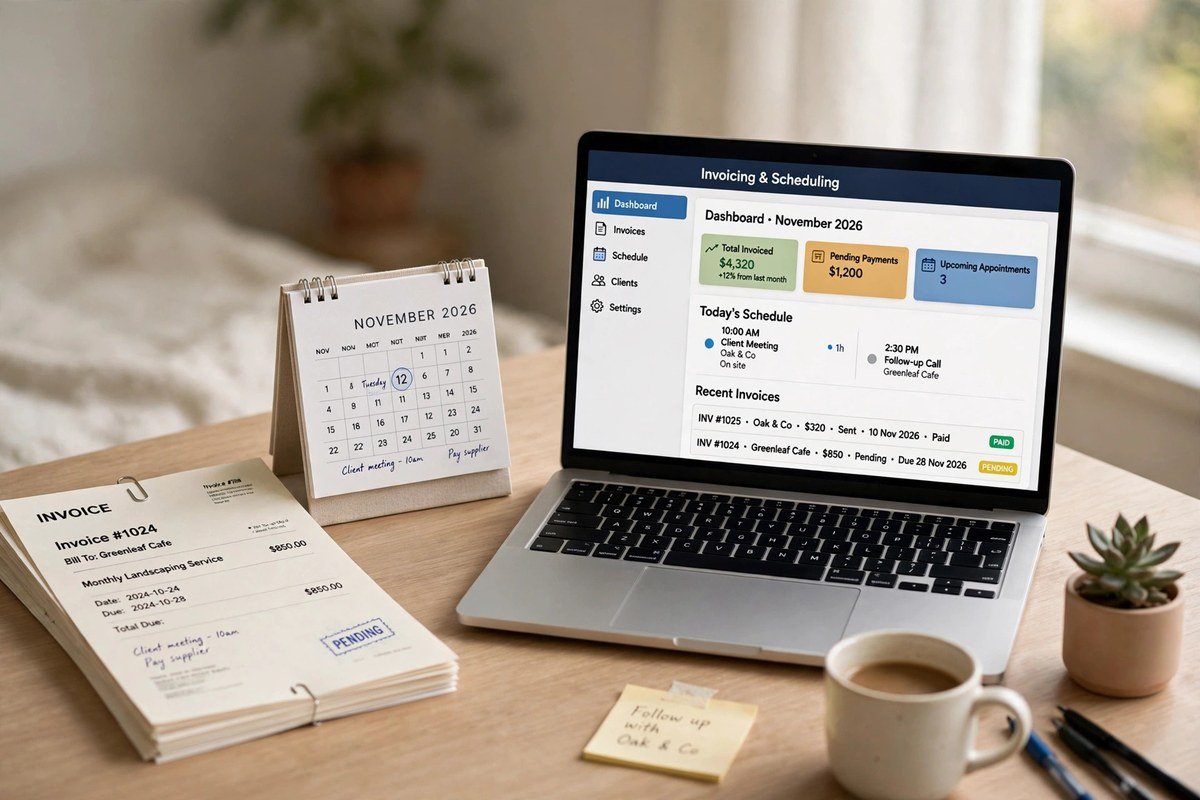
Completed work triggers an invoice, the invoice goes out with the right details, and a polite reminder follows if payment is late, without anyone opening a spreadsheet. It suits freelancers, agencies, and trades with repeat billing. Start small: invoices for repeat jobs only, with every reminder drafted for your approval until you trust the wording.
Receipts are read, categories are suggested, and transactions are matched to the right account, so month end becomes a short check rather than a long hunt. It suits any business drowning in paper receipts or card statements. Start small: one account and one month of receipts, checked line by line, before you let the system sort anything unsupervised.
Customers get a confirmation, a reminder the day before, and an easy way to reschedule, which protects the diary without a string of phone calls. It suits clinics, salons, tutors, and consultants who lose income to empty slots. Start small: reminders for one service only, and watch the no show pattern for a month before changing anything else.
Incoming messages are sorted by topic and urgency, a draft reply is prepared from your own answers, and the tricky cases are flagged for a person. It suits businesses whose inbox mixes sales, support, and noise. Start small: sorting only, with drafts waiting for approval, and no message sent without a human eye on it.
Sales data triggers a low stock alert, a reorder suggestion, and a draft order for approval, so a best seller never quietly runs out. It suits small shops, cafes, and online sellers with a short list of fast moving items. Start small: your ten best sellers only, with a human approving every order until the alerts prove reliable.
Happy customers get a well timed review request, and new reviews get a draft thank you or a careful reply for approval, so reputation builds without daily checking. It suits local businesses where reviews decide who gets the call. Start small: requests after completed jobs only, and never automate a reply to an unhappy customer without reading it first.
Sales, bookings, and enquiries are pulled into one short summary each week, with the changes that matter highlighted, so Monday starts with decisions instead of data gathering. It suits owners who run several tools and never quite see the whole picture. Start small: three numbers only, such as enquiries, bookings, and sales, and add more only when those three are trusted.
| Use case | Best for | Keep human |
|---|---|---|
| Instant customer replies | Shops, clinics, salons, trades | Complaints and complex questions |
| Lead capture and follow up | Service businesses | Quotes and closing conversations |
| Email sequences | Any business with a list | Pricing, promises, and sensitive news |
| Social posts | Visual and local businesses | Final wording and images |
| Content first drafts | Owners who know their subject | Editing, facts, and final approval |
| Invoices and payment chasing | Freelancers, agencies, trades | Disputes and goodwill gestures |
| Expense sorting | Any business with receipts | Final bookkeeping checks |
| Appointment reminders | Clinics, salons, tutors | Rescheduling sensitive cases |
| Support ticket sorting | Busy shared inboxes | Escalations and refunds |
| Stock alerts | Shops and online sellers | Approving every order |
| Review requests | Local businesses | Replies to unhappy customers |
| Weekly reports | Owners using several tools | Decisions the numbers suggest |
Week one is choosing and measuring. Pick your highest scoring use case, write down how the job works today, and record a simple baseline: how long it takes, how often it happens, and what goes wrong. Week two is building narrow and watching closely. Automate the common path only, keep a human approval step in place, and test it with real examples, including awkward ones. At the end of two weeks, compare against your baseline. If the workflow saves time and the outputs are trustworthy, keep it and only then pick the next use case.
Two rules protect every automation. First, automate the admin around a relationship, never the relationship itself. A reminder can be automatic, but a difficult conversation, a negotiation, or a complaint should stay human. Second, keep customer data out of free tools whose terms you have not read, and use a business account with proper data terms for anything customer facing. Our guide to running AI models locally explains when keeping work on your own machine is the safer choice for private material. For the wider rules, see the ICO guidance on AI and data protection, which explains how UK data protection principles apply to AI systems.

AI automation use cases for small business 2026 work best when they are boring: one repeated job, one clear workflow, and a human checking anything that matters. Start with instant replies, follow up, email, or invoicing, whichever job costs you the most hours each week. Build it narrow, measure it honestly, and keep people in charge of complaints, negotiations, and decisions where being wrong carries a real cost. Do that, and automation stops being another subscription and becomes a quiet system that gives you back your week, one workflow at a time.
The strongest starting points are instant replies to common questions, lead follow up, email sequences, and invoicing, because they happen often, follow a clear pattern, and save time every week. Pick the one that costs you the most hours, build it narrow, and add more only after the first workflow proves itself.
No. Most of the 12 use cases above run inside tools you already use, such as your email platform, booking system, or accounting software, and need no coding. You need a clear process, a few good examples, and the patience to test the workflow before it runs unsupervised.
Testing is often free inside existing tools, and a starter setup usually sits within a modest monthly fee that grows with contacts, sends, or tasks. Prices change often, so confirm the current pricing page before you commit, and judge the cost against the hours saved rather than the headline fee.
Never fully automate complaints, refunds, hiring decisions, pricing promises, or any message where a wrong answer could damage trust or break the law. Let automation draft, sort, and remind, but keep a person approving anything consequential, and give every customer a clear way to reach a human.
List your repeated weekly jobs, score each one by frequency, time taken, and cost of getting it wrong, and start with the highest scorer. Measure a simple baseline first, run the workflow for two weeks with human approval in place, and only expand once the results are trustworthy.